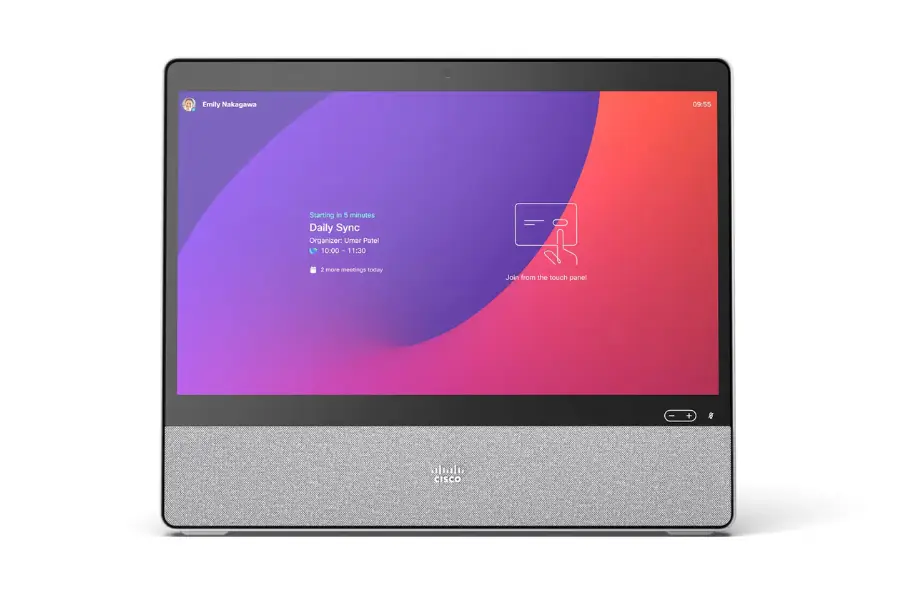
Cisco Desk CS-DESK-K9
Price: Contact us
Trademark: Cisco
Origin:
Guarantee:
Cisco Desk – Premium all-in-one collaboration device for modern workspaces
All-in-one design for a clean and professional workspace
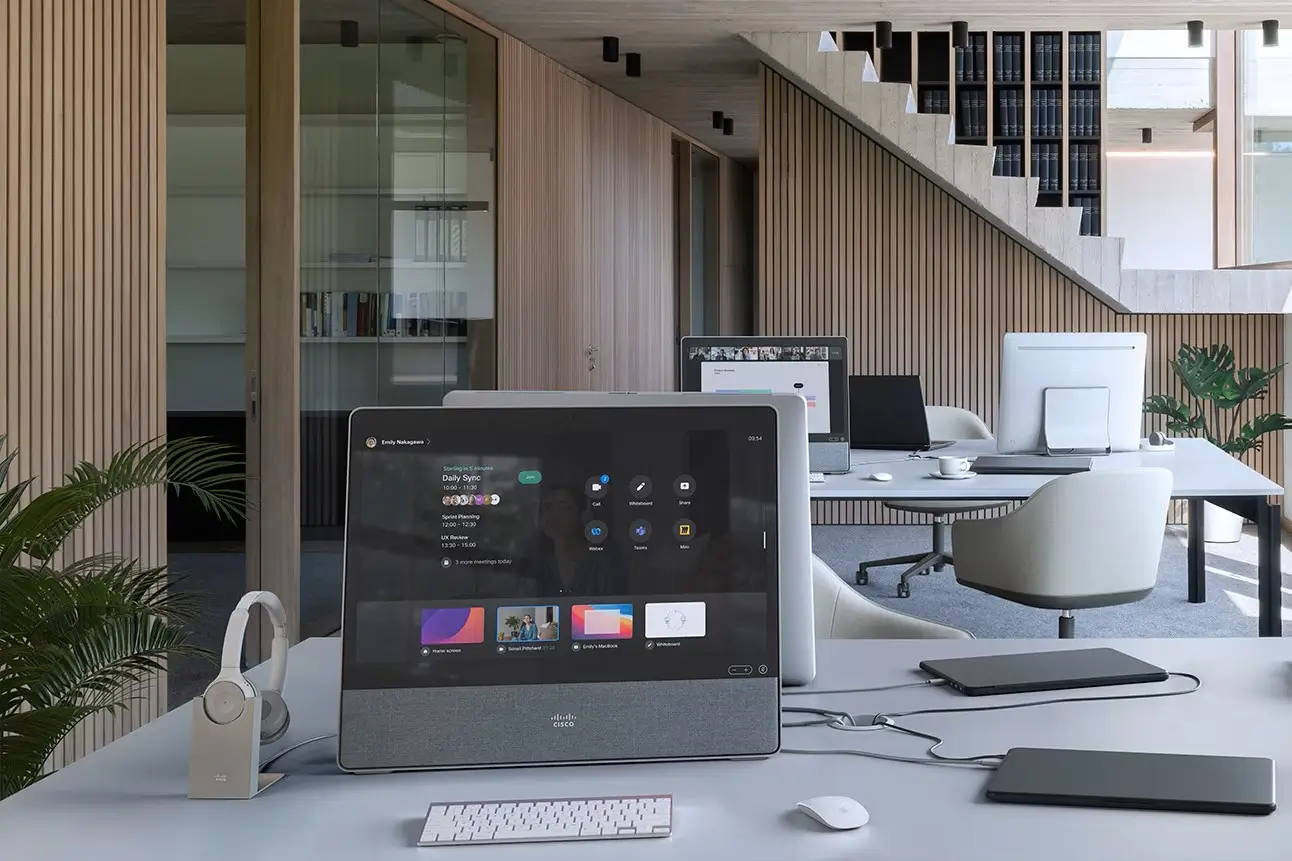
Cisco Desk is a premium all-in-one collaboration device that integrates display, camera, speakers, and microphones into a single system. It eliminates the need for separate peripherals, creating a clean and efficient workspace.
Its modern and minimal design makes it suitable for corporate offices, home offices, and hybrid work environments. Users can quickly deploy a professional setup without complex infrastructure.
24-inch touchscreen for immersive and interactive experience
The device features a 24-inch Full HD interactive touchscreen that delivers sharp visuals and a responsive user experience.
The touchscreen enables users to control meetings, annotate content, and collaborate in real time, significantly improving productivity and engagement.
High-quality video and audio for professional meetings
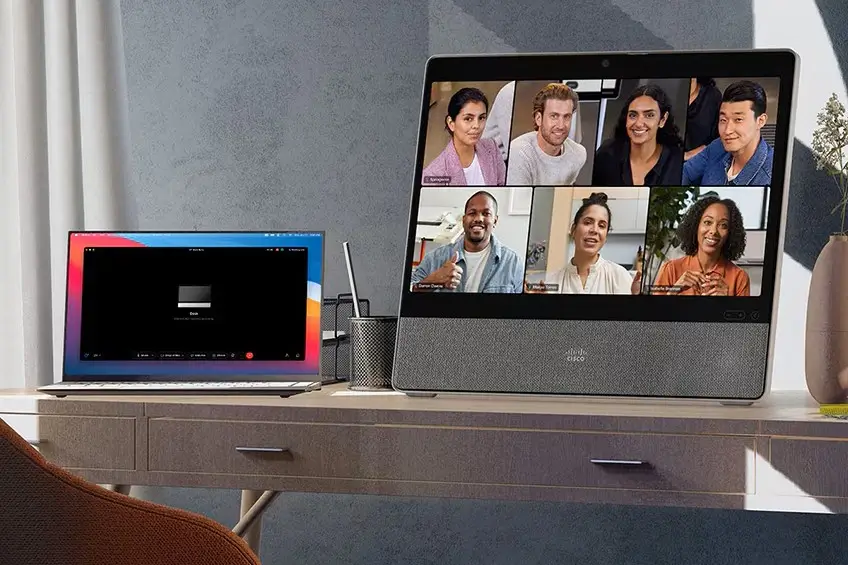
Cisco Desk includes an 8MP camera with a 64° field of view, ensuring clear and natural video during meetings.
The microphone array and full-range speaker system provide high-quality audio, enhanced by AI-powered noise removal for distraction-free communication.
AI-powered features for smarter collaboration
Built-in AI features such as noise suppression, virtual backgrounds, and intelligent audio optimization enhance meeting quality and user experience.
Additional capabilities like voice assistant and facial recognition further improve interaction and productivity.
Designed for collaboration and content creation
Cisco Desk supports content sharing, digital whiteboarding, and real-time annotation, making it ideal for brainstorming sessions and team collaboration.
Users can easily create, edit, and share content directly on the device, enabling seamless teamwork across locations.
Flexible connectivity and centralized management
The device supports USB-C, HDMI, Wi-Fi, and Bluetooth, allowing seamless integration with laptops and other devices.
It is managed through Webex Control Hub, enabling centralized control, monitoring, and large-scale deployment for enterprises.
Ideal solution for professionals and enterprises
Cisco Desk is ideal for executives, professionals, and businesses that require a powerful and reliable collaboration device.
It enhances productivity, supports hybrid work, and provides a premium meeting experience across various environments.
Contact Ademax for consultation, pricing, and deployment solutions.
– – – – – – – – – – – – – – – – – – – – – – – – – – – – – – – – – – – – – – – – – – – – – – – – – – – – – – – – – – – – – – – – – – – – – –
ADEMAX – MAKING THE DIFFERENCE
Audio Visual Solutions, IT Infrastructure & Digital Transformation
Hotline: +84 97 190 1666
Email: marketing@ademax.com.vn
Fanpage: Ademax JSC
General
• Product: Cisco Desk
• Type: All-in-one collaboration device
Display
• 24-inch touchscreen
• Full HD 1080p
Camera
• 8MP
• 64° field of view
Audio
• Full-range speaker
• Microphone array
• AI noise removal
Software
• RoomOS
• Webex optimized
Connectivity
• USB-C
• HDMI
• Wi-Fi
• Bluetooth
Features
• AI noise removal
• Virtual background
• Whiteboarding
• Voice assistant
• Facial recognition
1. Can Cisco Desk replace traditional devices like monitor, webcam, and speakers in a workspace?
The device integrates all essential components into a single system.
2. Is Cisco Desk suitable for hybrid and remote working environments?
It is designed to support flexible and remote work scenarios.
3. Does the touchscreen support annotation and real-time interaction during meetings?
The touchscreen enables direct interaction and annotation.
4. How good is the camera quality for professional video conferencing?
The 8MP camera provides clear and reliable video quality.
5. Can Cisco Desk work with platforms other than Webex?
It supports multiple platforms through interoperability features.
6. How does the audio system perform in noisy environments?
AI noise removal helps maintain clear communication.
7. Can users share content from a laptop easily?
Content sharing is supported via USB-C or wireless options.
8. Is Cisco Desk easy to deploy in enterprise environments?
The device supports fast deployment and centralized management.
9. Is Cisco Desk suitable for personal desks or small meeting spaces?
It is ideal for both individual workspaces and small rooms.
10. Who should use Cisco Desk for maximum benefit?
It is best suited for professionals, executives, and businesses.

Discussion device with touchscreen Bosch DCNM-DE
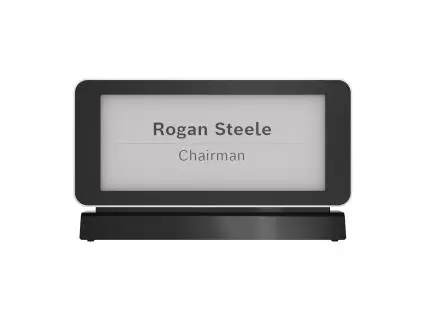
Single-Sided Electronic Business Card Bosch DCNM-ENCS