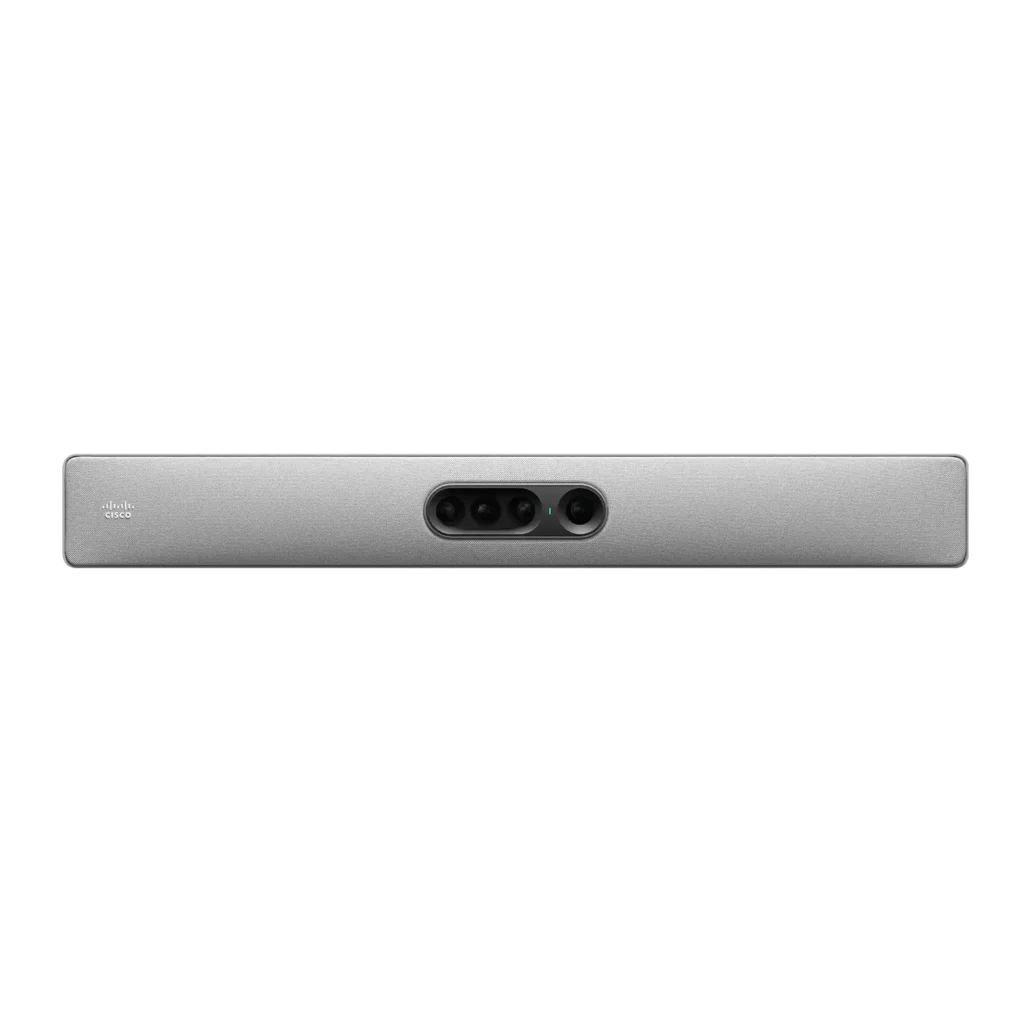
Cisco Quad Camera CS-QUADCAM2
Price: Contact us
Trademark: Cisco
Origin:
Guarantee:
Cisco Quad Camera – AI-powered multi-lens conferencing camera for large meeting spaces
Quad-camera system for full-room coverage
Cisco Quad Camera is designed for medium to large meeting rooms, featuring a multi-lens system that includes one wide-angle camera and three telephoto lenses.
This setup ensures complete room coverage and allows all participants to be clearly visible, including those seated far from the camera.
80MP imaging with 7x zoom for crystal-clear video
The camera system delivers up to 80MP resolution with 7x zoom and an 83-degree field of view, ensuring sharp and detailed visuals.
High resolution enables better facial detail, improved engagement, and more professional meeting experiences.
AI-powered framing and speaker tracking
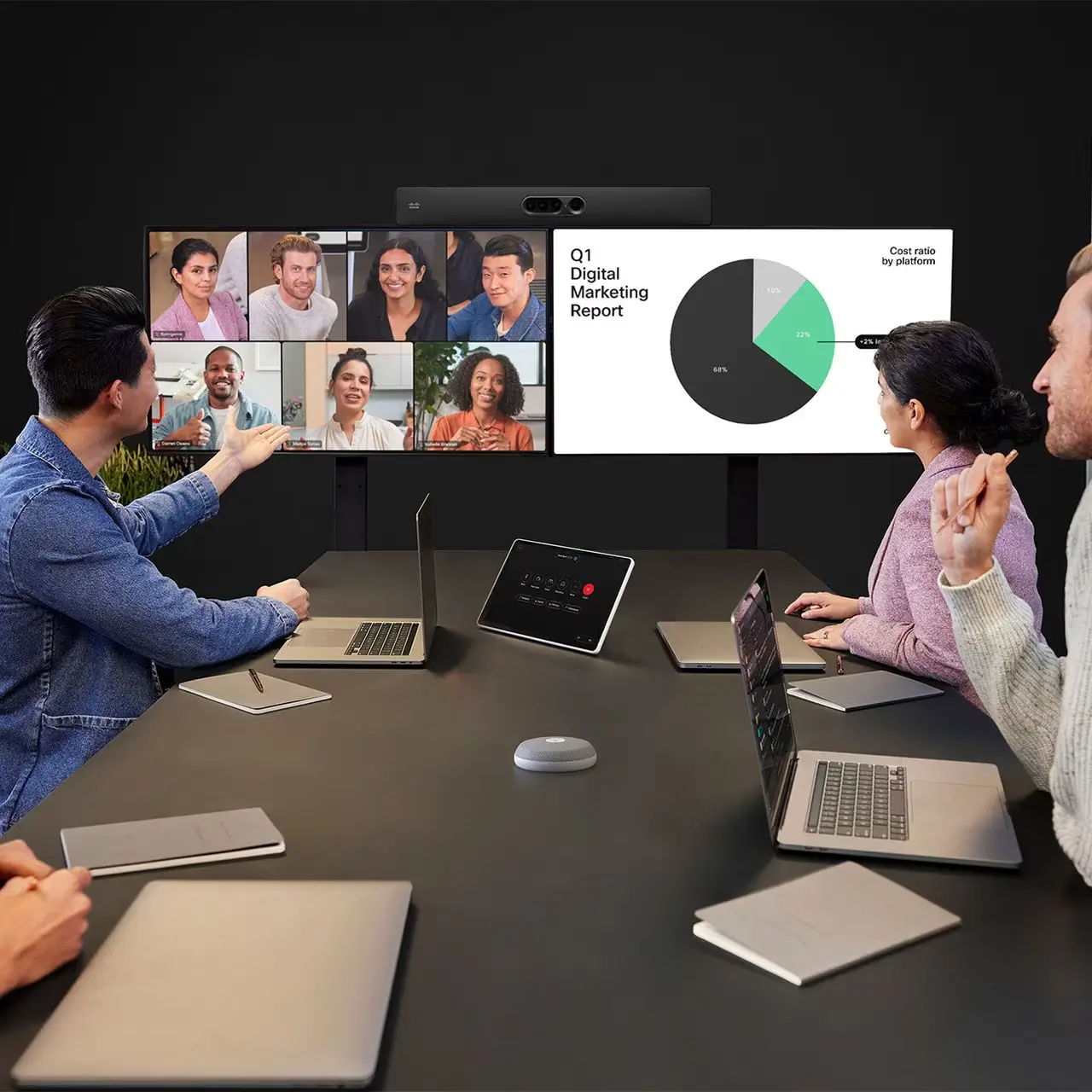
Cisco Quad Camera uses AI to automatically detect participants, adjust framing, and track active speakers in real time.
Features such as group view, speaker view, and people framing ensure that every participant is properly displayed during meetings.
Cinematic meeting experience with multi-camera intelligence
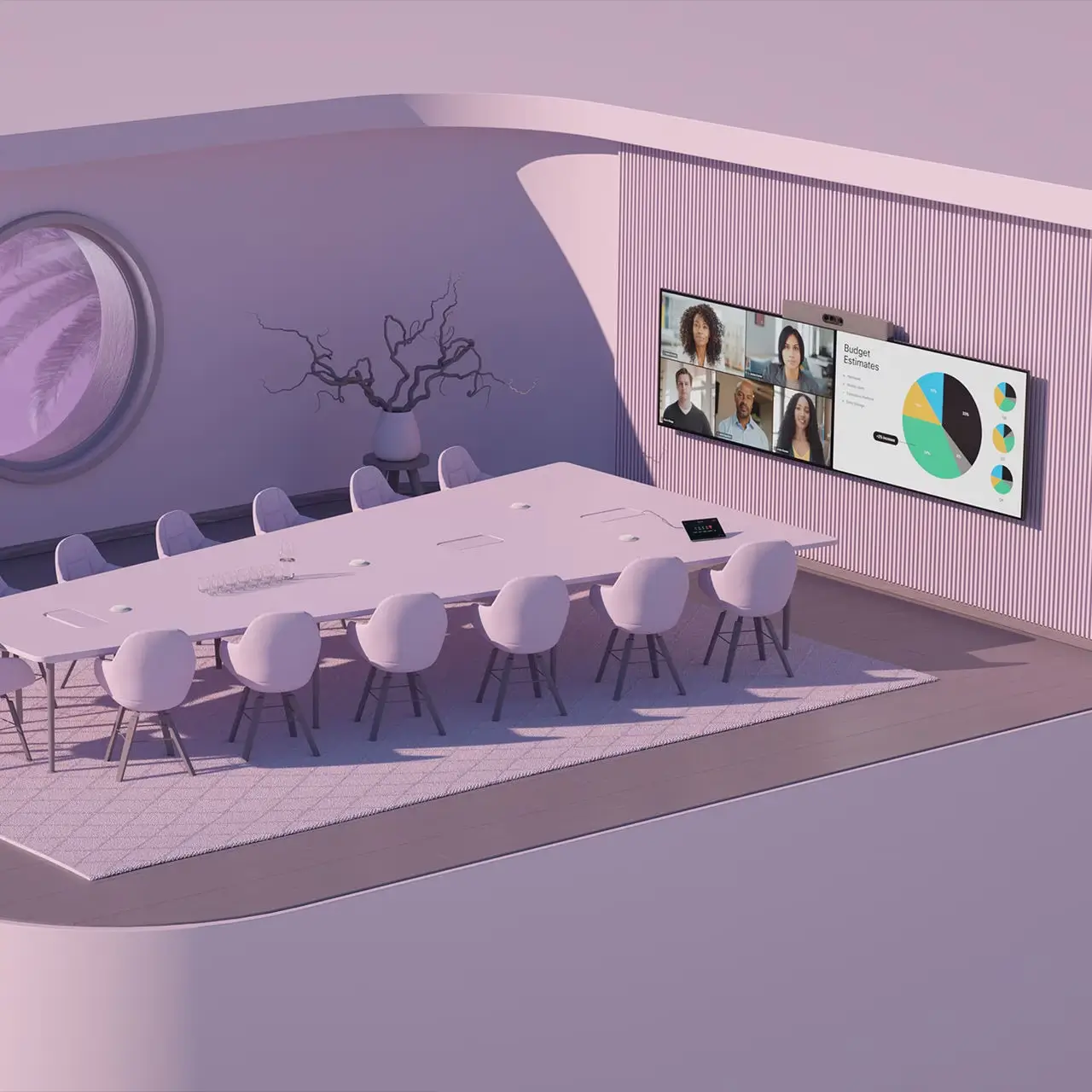
When combined with other Cisco devices, the camera enables cinematic meeting experiences with dynamic switching between views and intelligent framing.
This is especially useful in large rooms, auditoriums, and training spaces where multiple perspectives are required.
Seamless integration with Cisco Webex ecosystem
Cisco Quad Camera integrates seamlessly with Cisco Room devices, providing synchronized audio-visual performance and enhanced collaboration.
It also supports multiple meeting platforms, ensuring flexibility for enterprise deployments.
Simplified management and deployment
With Cisco Control Hub, administrators can manage devices remotely, monitor usage, and optimize system performance.
Flexible deployment options (cloud, on-premises, hybrid) make it suitable for various enterprise environments.
Enterprise-grade conferencing solution
Cisco Quad Camera is an ideal solution for organizations looking to enhance hybrid meetings, improve collaboration, and deploy scalable video conferencing systems.
Contact Ademax for consultation, pricing, and professional deployment solutions tailored to your business needs.
– – – – – – – – – – – – – – – – – – – – – – – – – – – – – – – – – – – – – – – – – – – – – – – – – – – – – – – – – – – – – – – – – – – – – –
ADEMAX – MAKING THE DIFFERENCE
Audio Visual Solutions, IT Infrastructure & Digital Transformation
Hotline: +84 97 190 1666
Email: marketing@ademax.com.vn
Fanpage: Ademax JSC
General
• Product: Cisco Quad Camera
• Type: Conference camera
Video & imaging
• Camera system: 4 lenses
• Resolution: up to 80MP
• Video resolution: ~5056 x 3888
• Zoom: 7x
• Field of view: 83°
AI features
• Speaker tracking
• Group framing
• People framing
• Dynamic speaker view
Performance
• Auto focus
• Auto white balance
• AI face detection
Connectivity
• HDMI / Ethernet
• Cisco Webex Room compatibility
• Microsoft Teams Rooms support
Deployment
• Cisco RoomOS
• Cisco Control Hub
• Cloud / hybrid / on-premise
Design
• Wall mount / tabletop
• Color: Carbon Black
1. Is Cisco Quad Camera suitable for large conference rooms or auditoriums?
Its multi-lens system ensures full coverage for large spaces.
2. How does AI improve video conferencing experience with this camera?
AI automatically frames participants and tracks speakers in real time.
3. Does Cisco Quad Camera support speaker tracking during meetings?
The system dynamically focuses on the active speaker.
4. Can the camera clearly display multiple participants at once?
People framing ensures clear visibility for individuals and groups.
5. Is Cisco Quad Camera compatible with platforms other than Webex?
It supports integration with platforms like Microsoft Teams.
6. Is installation complex for enterprise environments?
The device is designed for easy deployment in meeting rooms.
7. Can it handle long conference tables effectively?
Zoom and AI tracking ensure visibility even at long distances.
8. Can it be combined with other cameras in a system?
It supports multi-camera setups for advanced conferencing scenarios.
9. Does it support remote device management?
Cisco Control Hub enables centralized remote management.
10. Who should use Cisco Quad Camera?
Ideal for enterprises, large meeting rooms, and training spaces.

Discussion device with touchscreen Bosch DCNM-DE
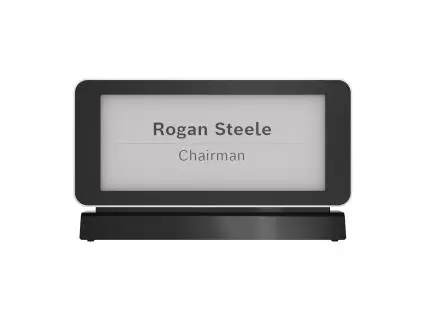
Single-Sided Electronic Business Card Bosch DCNM-ENCS